Marvin Support App
The Marvin Support app is for Marvin users who are helping us test Marvin.
It collects a report from your Marvin device over Bluetooth and sends it to
the Marvin Team, so we can analyse how Marvin is doing and make it better.
Nothing is sent until your phone is online, and only the report is sent.
To join the test, email us first. The test is invite-only, so we
need the
Google account (Gmail) address you'll use to install the app.
Send it to
GoogleApp@happymarvin.com and
we'll add you to the testers list. Once we've confirmed, tap the button below to install
from Google Play.

The button works once we've added your Google account to the testers list (see above).
How to send us a report
- Open the Marvin Support app on your phone. The first time, read the short
message and tap "OK, continue."
- Tap "Find a device." When Marvin appears in the list, tap it.
- Choose what to send us:
- Logs only: small, best on limited mobile data.
- Logs and audio files: includes the sound recordings
(more helpful when we need to investigate sound problems).
Use this option if possible.
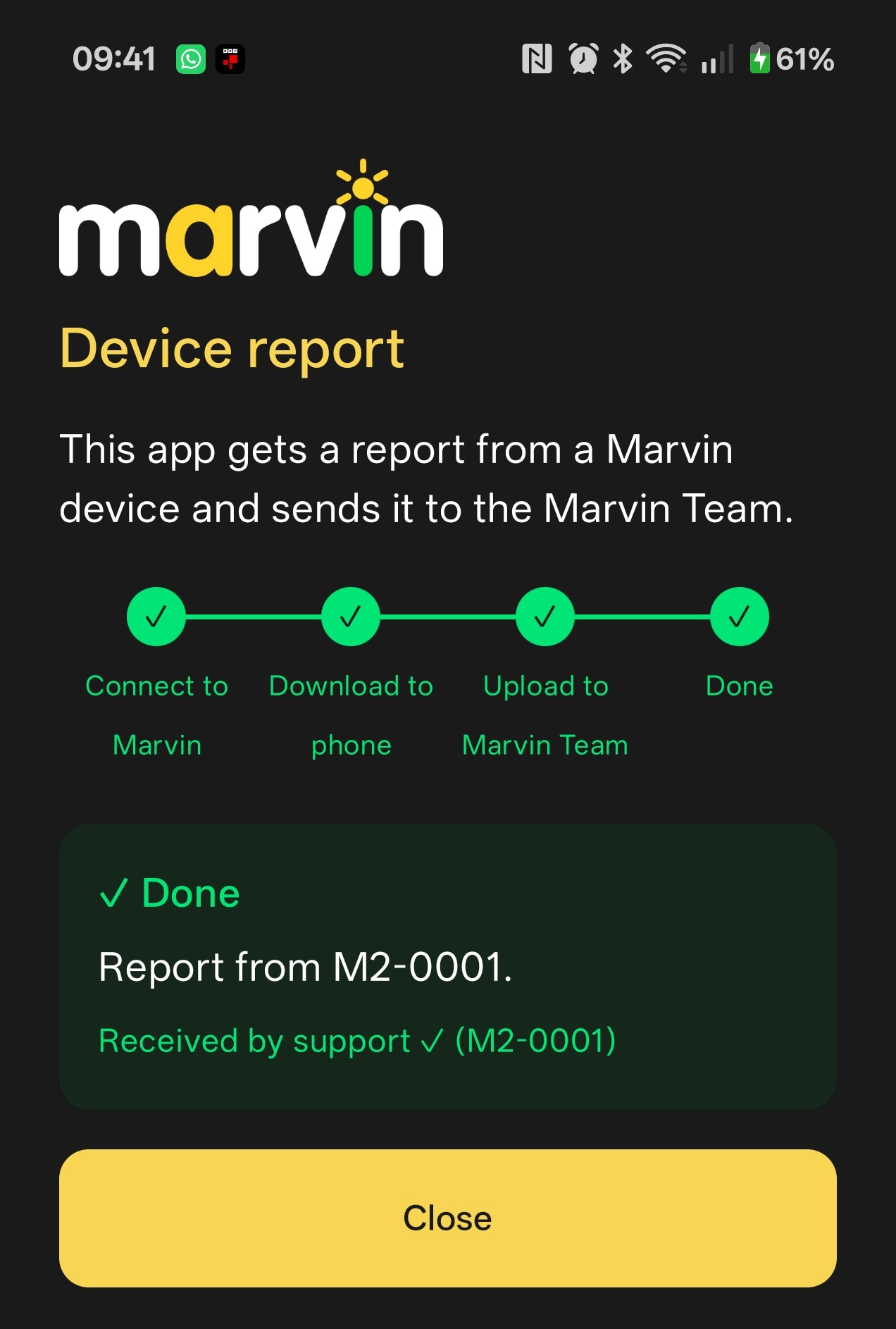
The app then downloads the report to your phone.
- You may also type a short message to the Marvin Team.
- Tap "Upload to Marvin Team." If your phone has no internet yet,
that's fine. The app sends the report automatically once you're back on
mobile data or Wi-Fi.
That's it. You can close the app. Thank you!